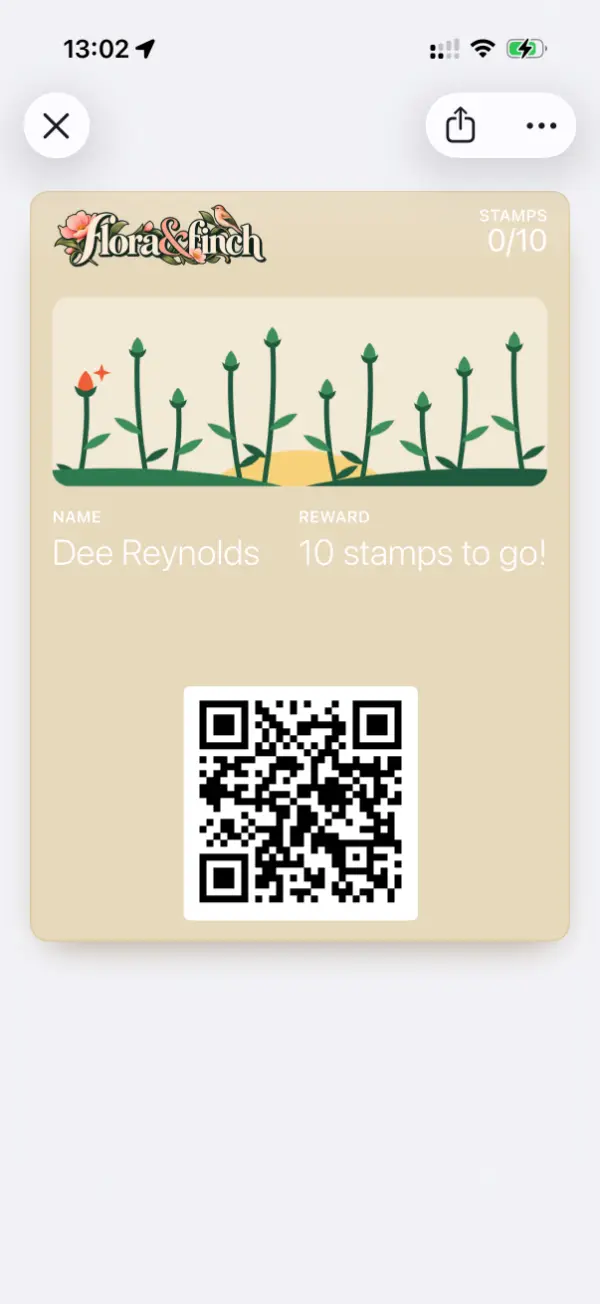
4 to 10 stamps
Any number from 4 to 10 stamps per card. Fewer stamps for a bigger reward, more for an everyday one.
A loyalty card stored in Apple Wallet or Google Wallet, alongside boarding passes and event tickets. 4 to 10 stamps per card and a custom reward. Every visit adds a stamp, and every full card brings the customer back.

One of 14 templates or a custom design: logo, colours, reward, and a stamp count from 4 to 10.
The free countertop stand links to the join page. Customers enter a name and mobile number and add the card to Apple Wallet or Google Wallet.
Customers tap a phone on the StampMate NFC stamp and the stamp is added to the card straight away.
Any number from 4 to 10 stamps per card. Fewer stamps for a bigger reward, more for an everyday one.
“Free coffee”, “Half-price cut”, “Free side”. A custom reward, plus the message customers see when the card is full.
When a stamp is added, the card on the customer’s phone updates with the new stamp count.
A cooldown, 30 minutes by default, blocks repeat stamps from the same visit.
Joining twice with the same mobile number returns the existing card, stamps included.
Design, colours and reward can be changed at any time, and every customer’s card updates to match.
Assume a regular buys a £3.40 coffee twice a week, and the visible stamp count brings in a third visit most weeks.
One extra visit a week is 52 more coffees a year, about £177 from one customer. The free coffees earned cost the ingredients in roughly 15 cups.
Figures vary by business and by card. The principle holds: rewards are paid for at cost price, and the extra visits are at full price.
No. Apple Wallet is built into every iPhone and Google Wallet into Android phones. The card is added from the join page in a couple of taps.
Yes. iPhone customers use Apple Wallet and Android customers use Google Wallet. Same card, same design, same stamps.
The reward is redeemed at the counter: staff press “Reward given”, or the customer taps to claim and shows a live verification screen. The card then resets to 0.
Yes. The design can be changed at any time, and every customer’s card updates to match.
On the free countertop stand by the till. The link can also go in an Instagram bio or be sent to regulars by text.
Yes. Customers add stamps by tapping a phone on the StampMate NFC stamp, so no login is needed. Staff accounts cover everything else; only the owner can change settings.
No design skills needed. Templates, custom branding and a live preview of the card exactly as customers see it, all before sign-up.