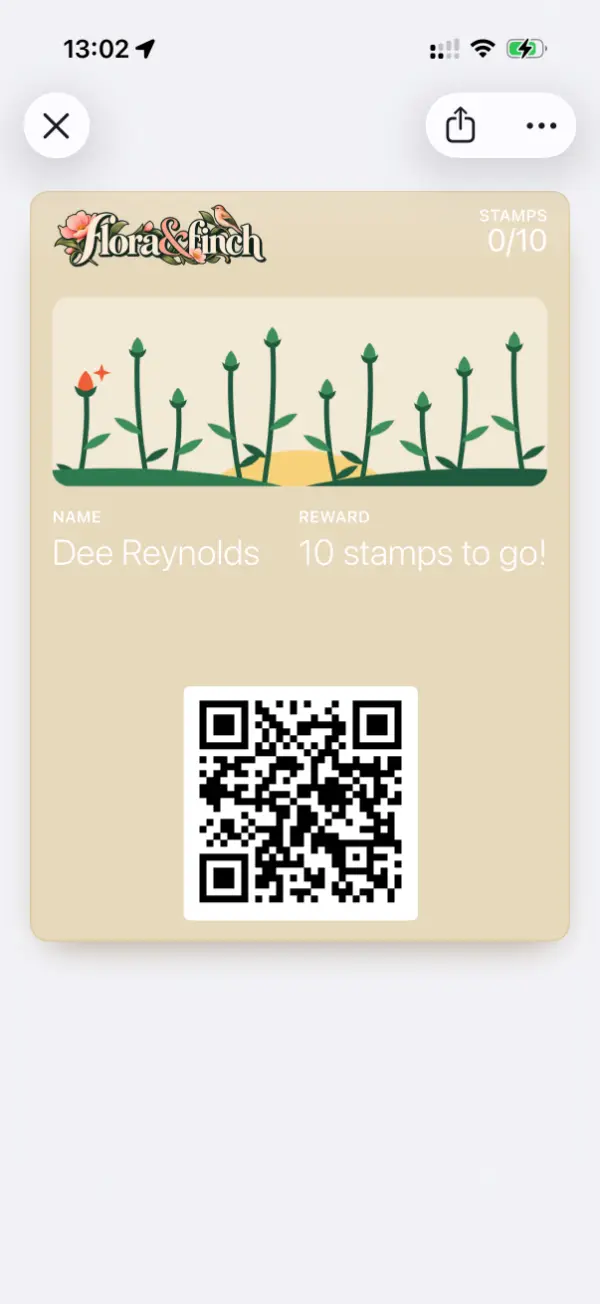
iPhone and Android
Messages arrive through Apple Wallet and Google Wallet, so every cardholder receives them.
Promotions delivered to customers’ lock screens through the loyalty card already in Apple Wallet or Google Wallet. No app to download, no email list to build and no text messages to pay for.

Quiet afternoon? Half-price cake with any coffee until 4pm.
Two-for-one flat whites before 10am this Friday.
Short and specific: what’s on, and until when. “2-for-1 flat whites till 3” works better than a paragraph.
Every cardholder, or a single regular for a personal thank-you.
Send instantly to the lock screen, or schedule it for a set morning.
Messages arrive through Apple Wallet and Google Wallet, so every cardholder receives them.
Messages come from the loyalty card, under the business name, not from an unfamiliar app.
Sends timed for the moments footfall is needed, not for a fixed marketing calendar.
Every customer who joins the card can receive messages. No email addresses to collect and no text messages to pay for.
Apple and Google cap how many alerts a single card can show in a day, so even on unlimited, customers are never flooded.
2pm, and the café is empty. The owner opens the dashboard and sends: “Quiet afternoon? Half-price cake with any coffee until 4.”
It reaches the lock screen of every cardholder, from Dawn Coffee rather than an app. Regulars nearby have a reason to visit that afternoon rather than the next day.
Core includes 2 promotions a month. Growth is unlimited.
No. Apple and Google limit how many alerts one card can show in a day, and customers can turn notifications off for the card at any time in Apple Wallet or Google Wallet.
No. Wallet notifications are on by default on most phones, and can be switched off for the card at any time.
Yes. Messages can be written in advance and scheduled to go out once or on repeat.
Short, specific, time-limited offers work best: a quiet-hours offer, a new menu item, a reminder that a reward is waiting.
No design skills needed. Templates, custom branding and a live preview of the card exactly as customers see it, all before sign-up.